Paperless Home.
The Paperless Home Blueprint

Less paper.
More room.

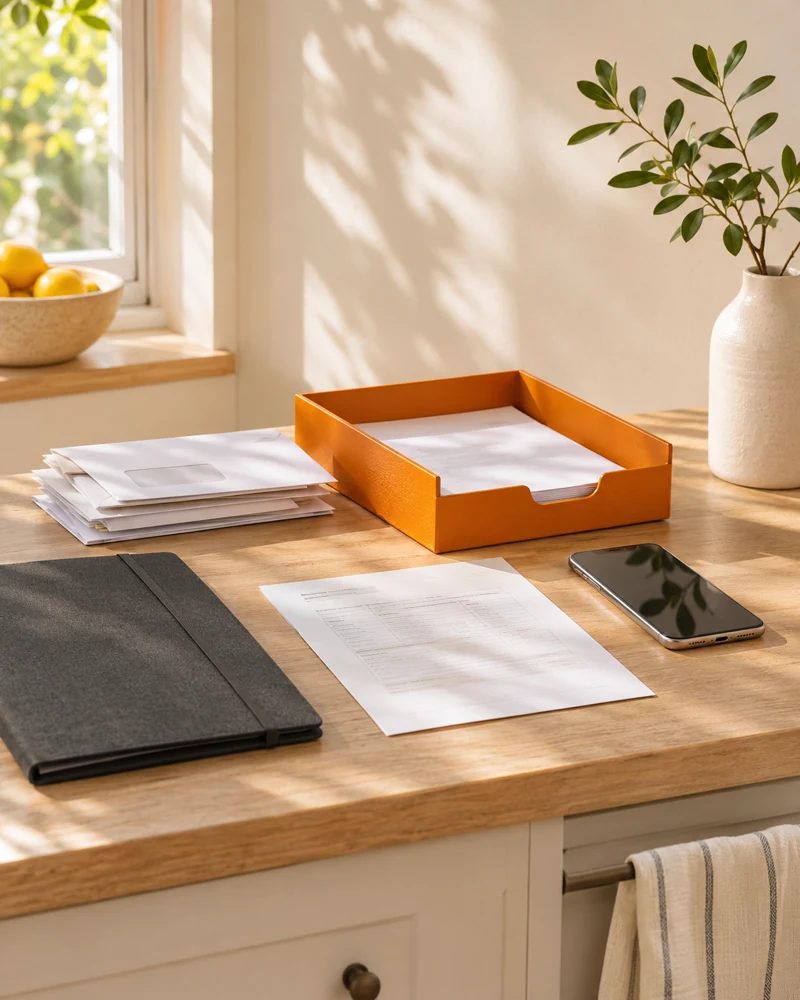
Take ten sheets off the pile. Find out what to keep, shred, or scan, and give your kitchen counter back its day job.

One-time purchase · Digital download
Watch how the Blueprint works 1:55 · Sound on
Download after purchase
Fill on screen or print
Work in 15-minute rounds

The guide shelf

Where’s your pile?

Pick the guide for the mess in front of you. Paper on the table? Start with the Blueprint. A screen full of files? Try the kit.

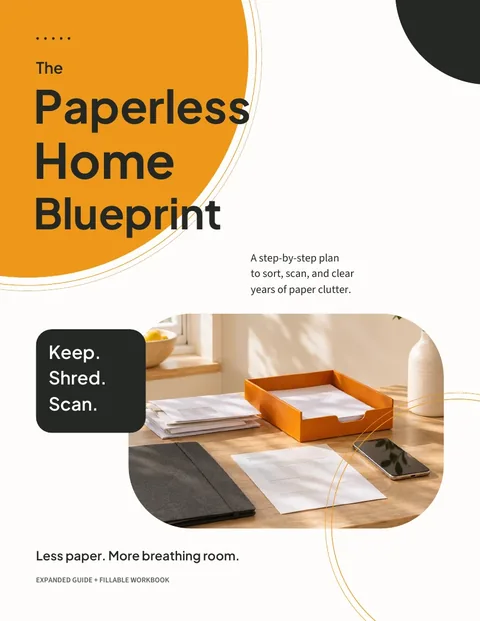
The Paperless Home Blueprint cover

For your home papers

The Paperless Home Blueprint

Make one clear call on each bill, receipt, and school form. Then set up a place for the next batch of mail.

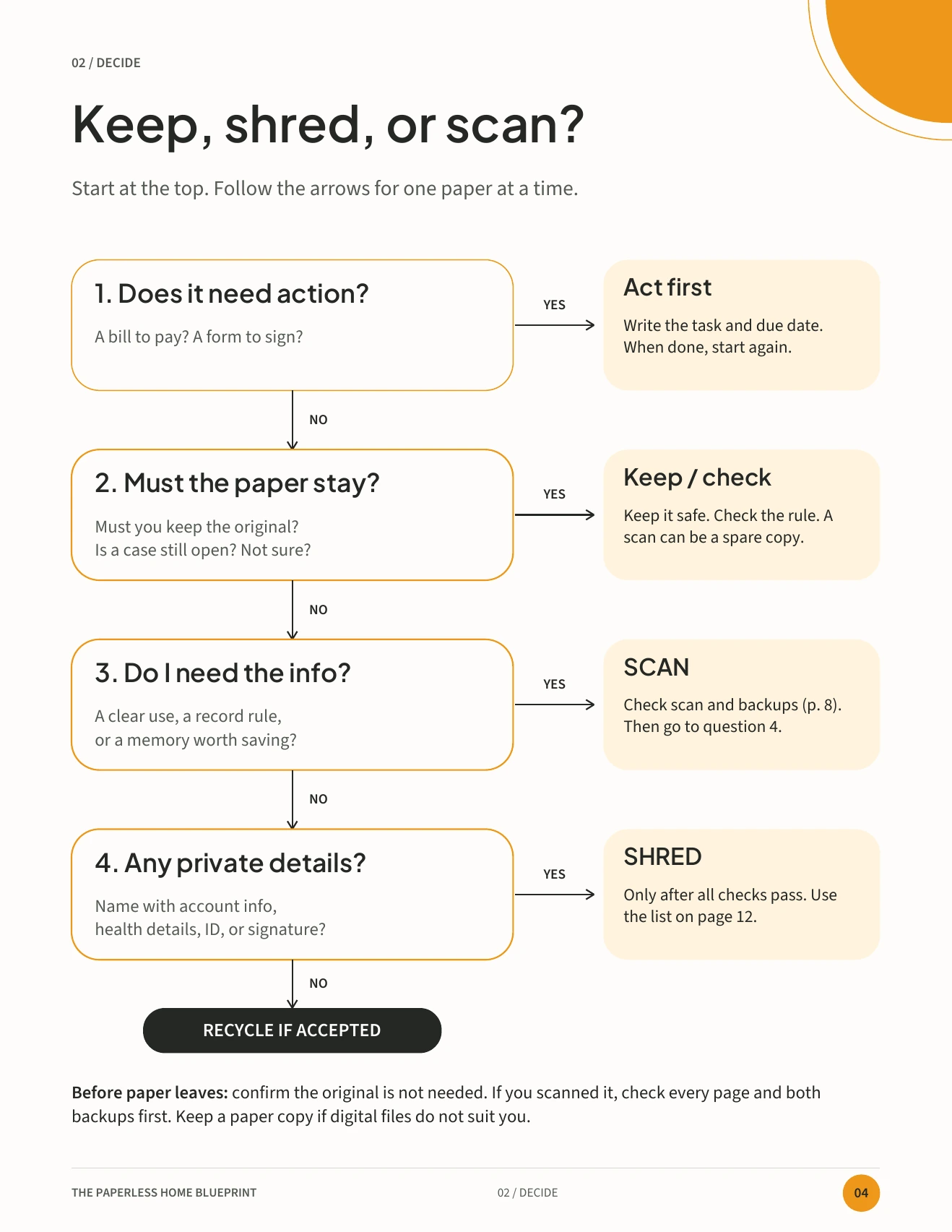
  • 33-page guide with a Keep, Shred, or Scan decision tree
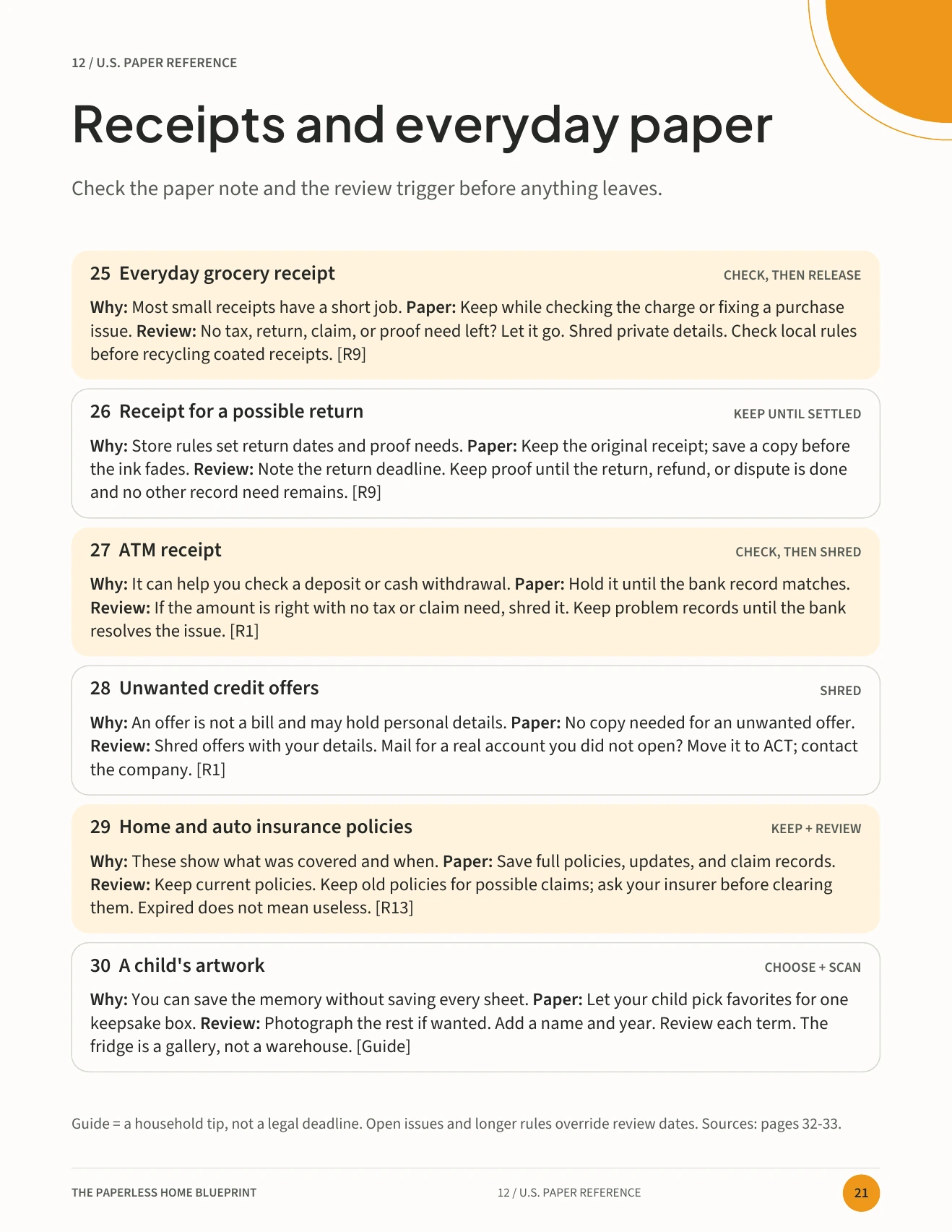
  • Keep-or-toss chart for 30 common U.S. papers
  • 4 quick-tool pages, fillable worksheets, and ready-made folders
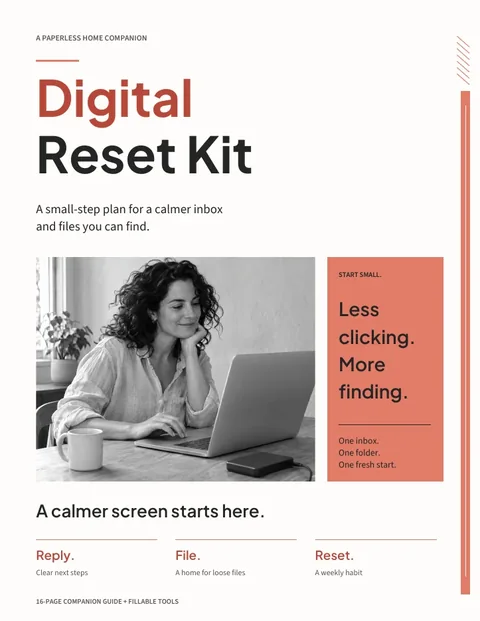
Digital Reset Kit cover

For your digital clutter

Digital Reset Kit

Give loose emails and desktop files a home. Find the thing you saved last Tuesday without a search party.

  • 16-page guide for Gmail, Outlook, and loose files
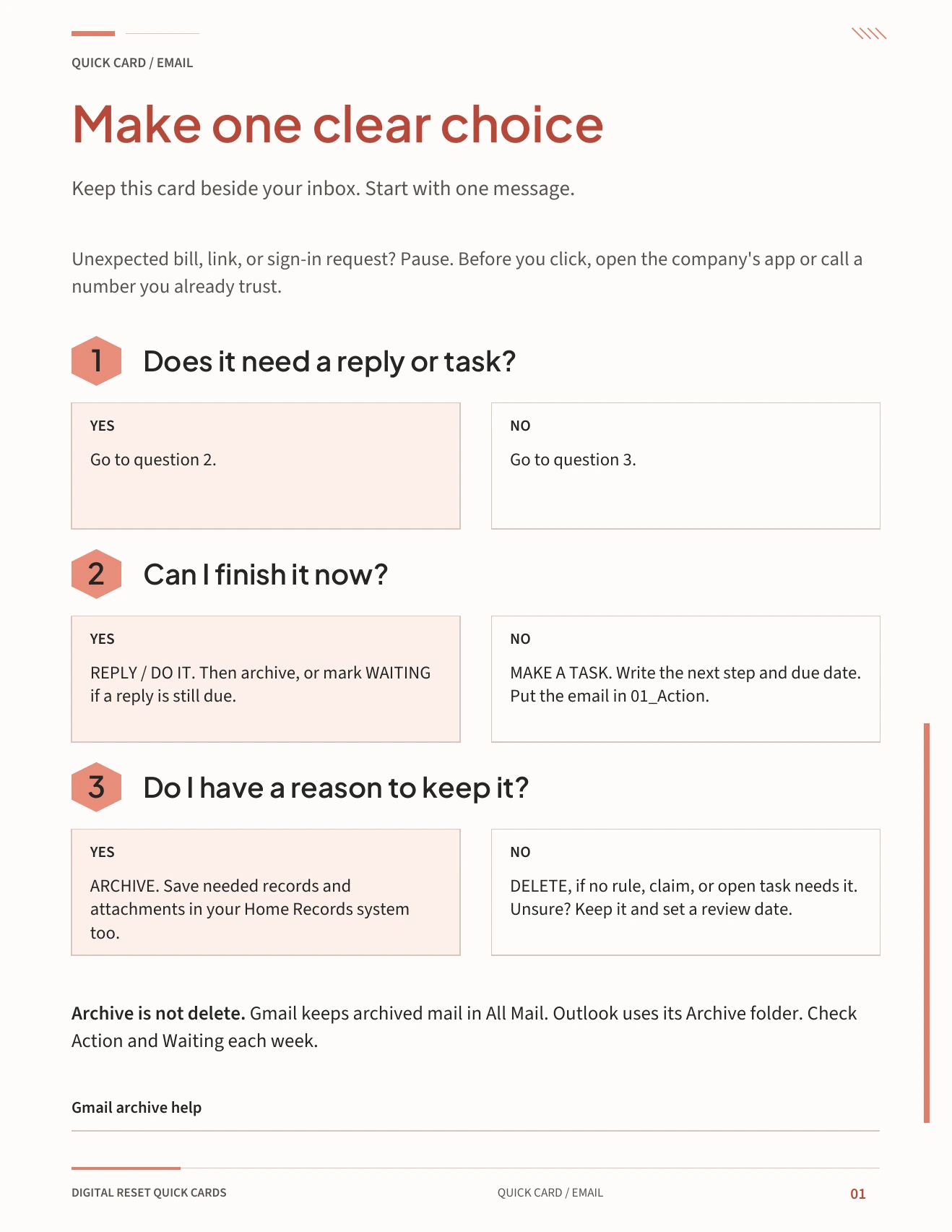
  • 3 reusable quick cards for short cleanup sessions
  • Fillable trackers and a ready-made set of folders

How it works

From checkout
to clear space.

  1. Pick your guide.

    Choose the Blueprint for paper or the Reset Kit for screens. Each is a one-time purchase.

  2. Open your download.

    Follow the link in your receipt email, save the ZIP, and open START-HERE to find your guide and tools.

  3. Clear one small pile.

    Set a 15-minute timer. Pick ten papers or a handful of files. The rest can wait its turn.

Before you buy

A few good
questions.

Which guide should I start with?

Start with the Blueprint if mail, school papers, and receipts have taken over a surface. Start with the Digital Reset Kit if your biggest pile lives in your inbox or Downloads folder.

How do I get my files?

After checkout, open the download link on your purchase page or in your receipt email. Save the ZIP, open it, and start with the file named START-HERE. Each ZIP holds the PDFs and starter folders for that product.

Do I need a printer or scanner?

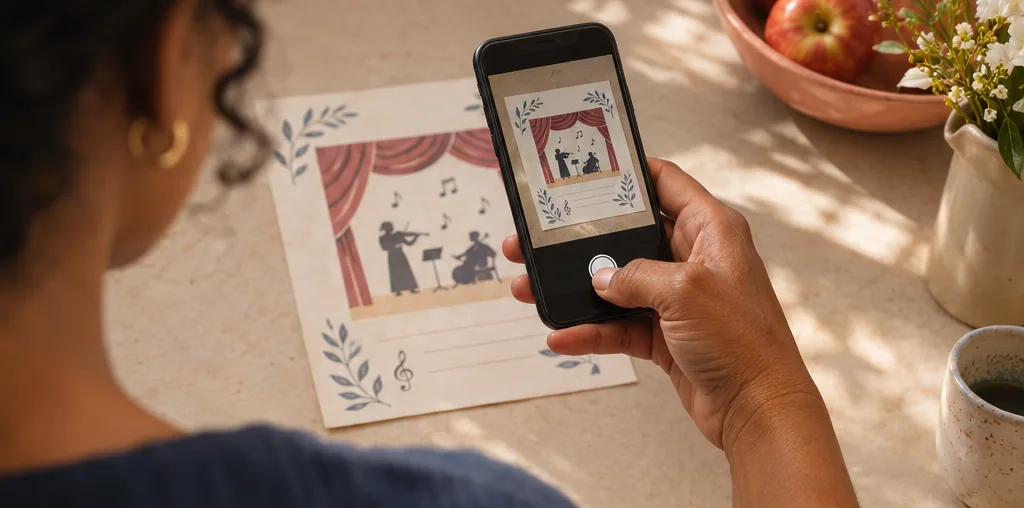
Your phone can scan a page. The Blueprint walks through iPhone and Android. Read the guides on screen and type in the fillable worksheets with a PDF reader that saves forms. If you like pen and paper, print just the sheets you need.

Are the record rules for the U.S.?

Yes. The 30-paper chart covers common U.S. household records and links to sources you can check. Your state and your own situation can change what you need to keep. The sorting steps can be used wherever you live.

Is the Digital Reset Kit included in the Blueprint?

The two guides are sold separately. The Blueprint includes its own quick tools and home records folders. Add the Digital Reset Kit if you also want its email and desktop guide, three quick cards, and file folders. Each is a one-time purchase.

Do I have to do this in one weekend?

Start with ten papers and a 15-minute timer. The guides give you a clear place to stop and a way to pick up where you left off.

The Paperless Home Blueprint

Make room for dinner.

Get the Blueprint $19.99